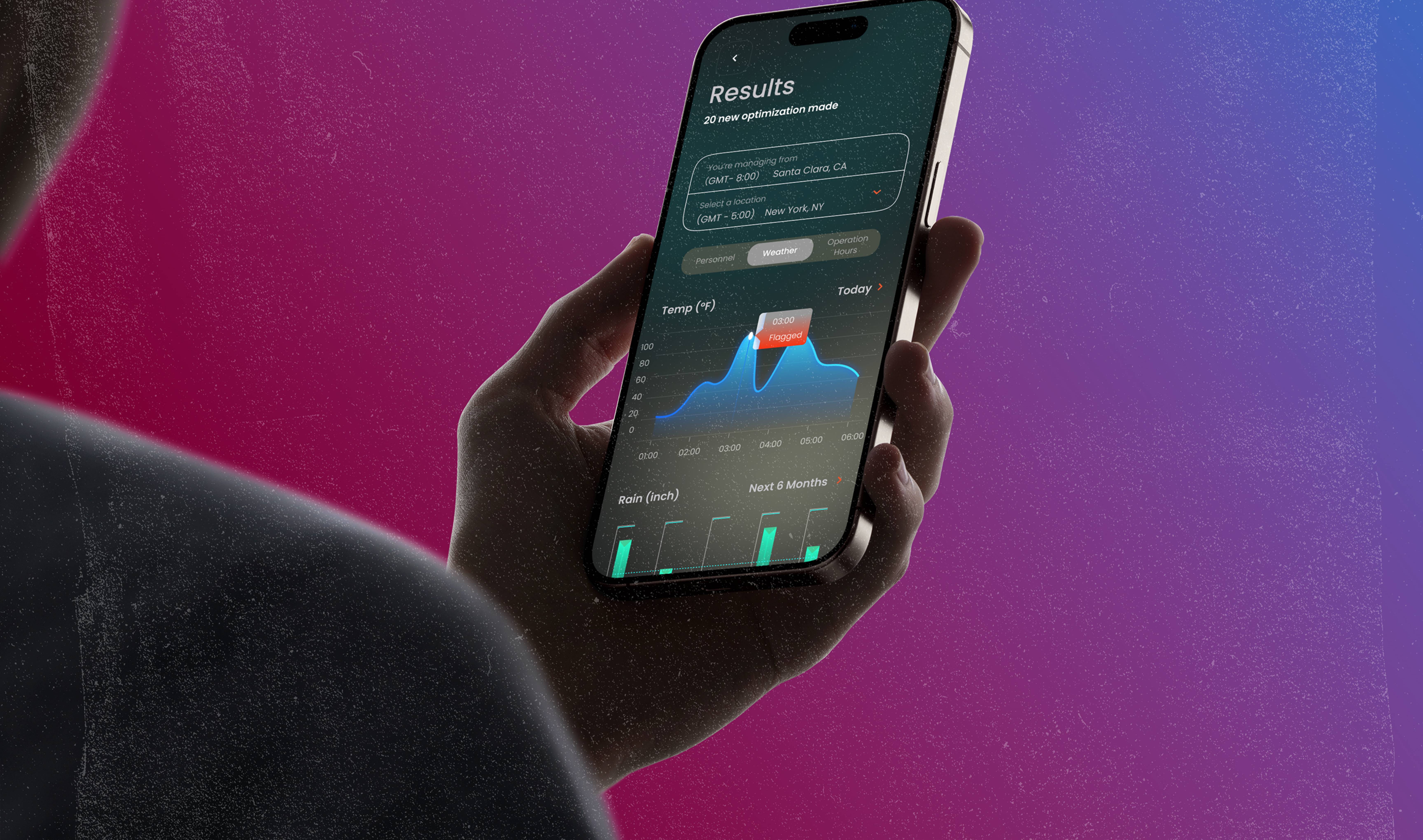
Product Design Internship · Coursework · Estimated 7 min read
12 Weeks · Summer, Fall 2024
Developer, UX Designer
Figma, Python, Streamlit
 8 weeks · Sydney HQ · Product Design Intern
SafetyCulture is the Sydney-born operations platform frontline teams use to run inspections, issues, sensors, and training, from 150-venue hospitality groups to the courts of the Australian Open. I joined as a product design intern, working with 20+ designers, engineers, and PMs. My internship split into two tracks:
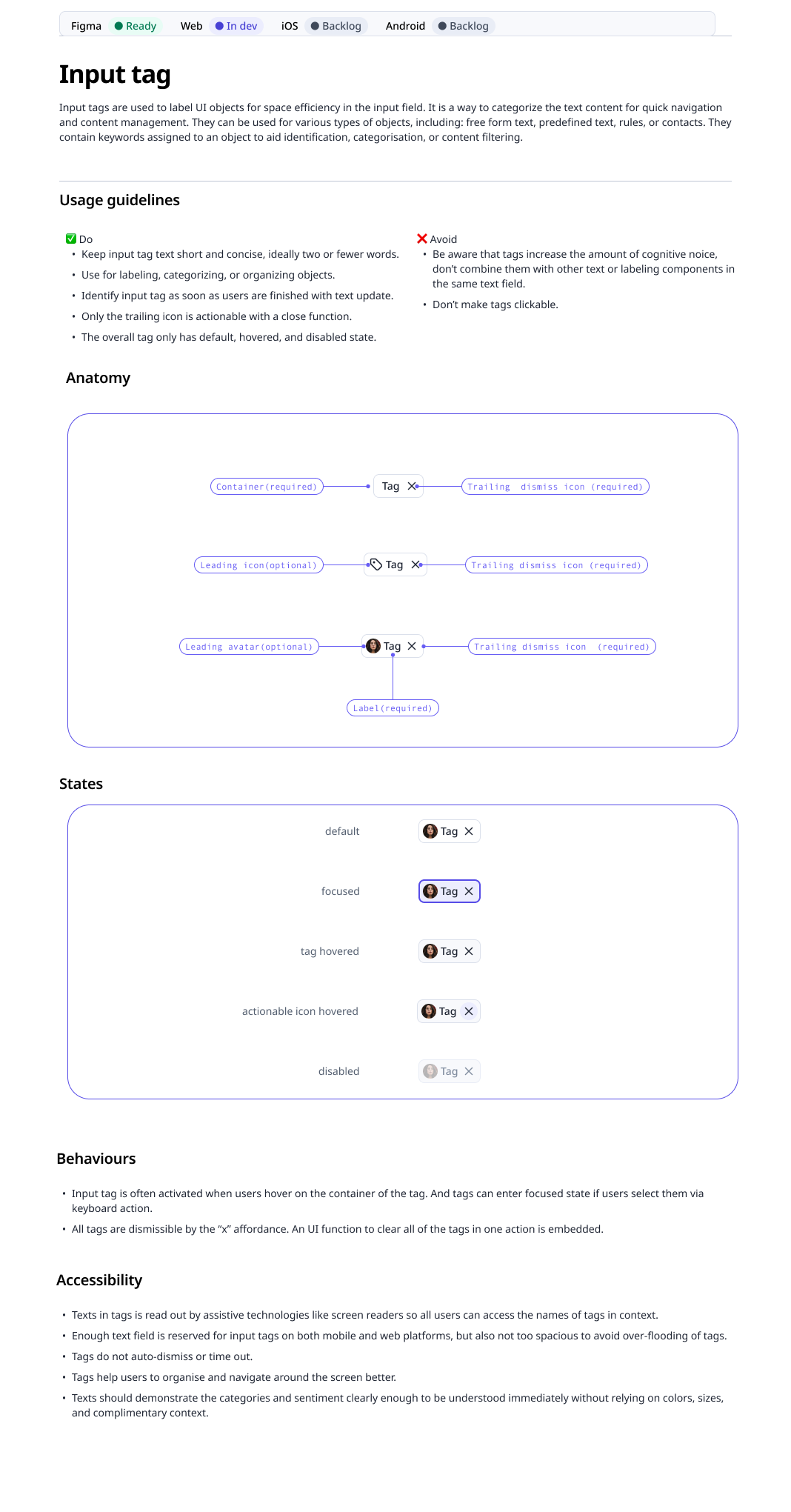
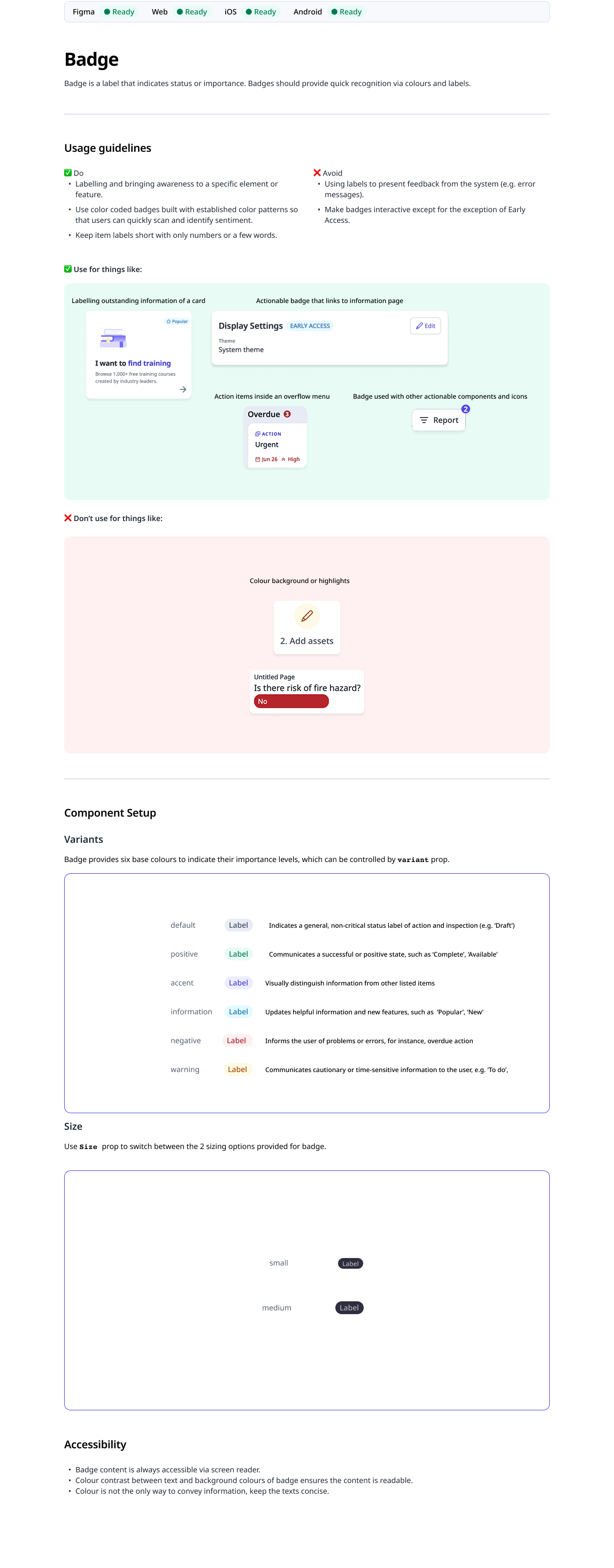
Learned from the design system team, helped design and document the Input Tag and Badge components, then ran a web-wide audit annotating every pagination, infinite-scroll, and single-page pattern across the app's main tabs, and redesigned the pagination component. Design system is an urgent matter that needed fixing as team interviews surfaced that only ~20% of the EDP function adopted the system.
Joined the Scheduling team, home of the platform's most complex feature: mapped the end-to-end journey, ran customer calls, synthesised them in Dovetail, and scoped a research plan around the weeks I had left. This is where the whole case study grows from.
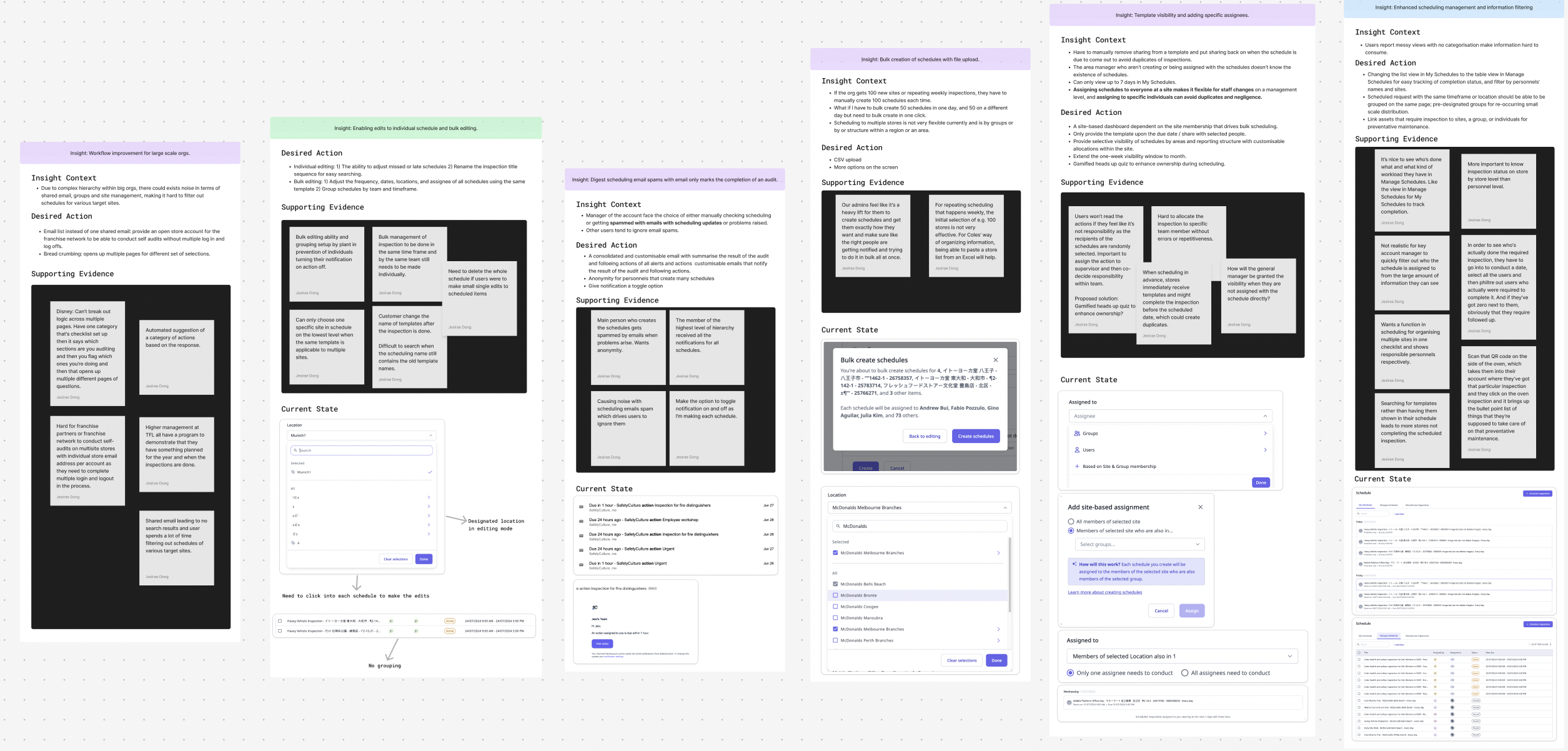
To find the highest-leverage problem, I sat in interviews with 10 enterprise customers from industries across Transportation, Hospitality, Healthcare, Beauty, and Construction. I synthesized every call in Dovetail into tagged pain-point cards, then sorted them into insight cards grouped by recurring problems.
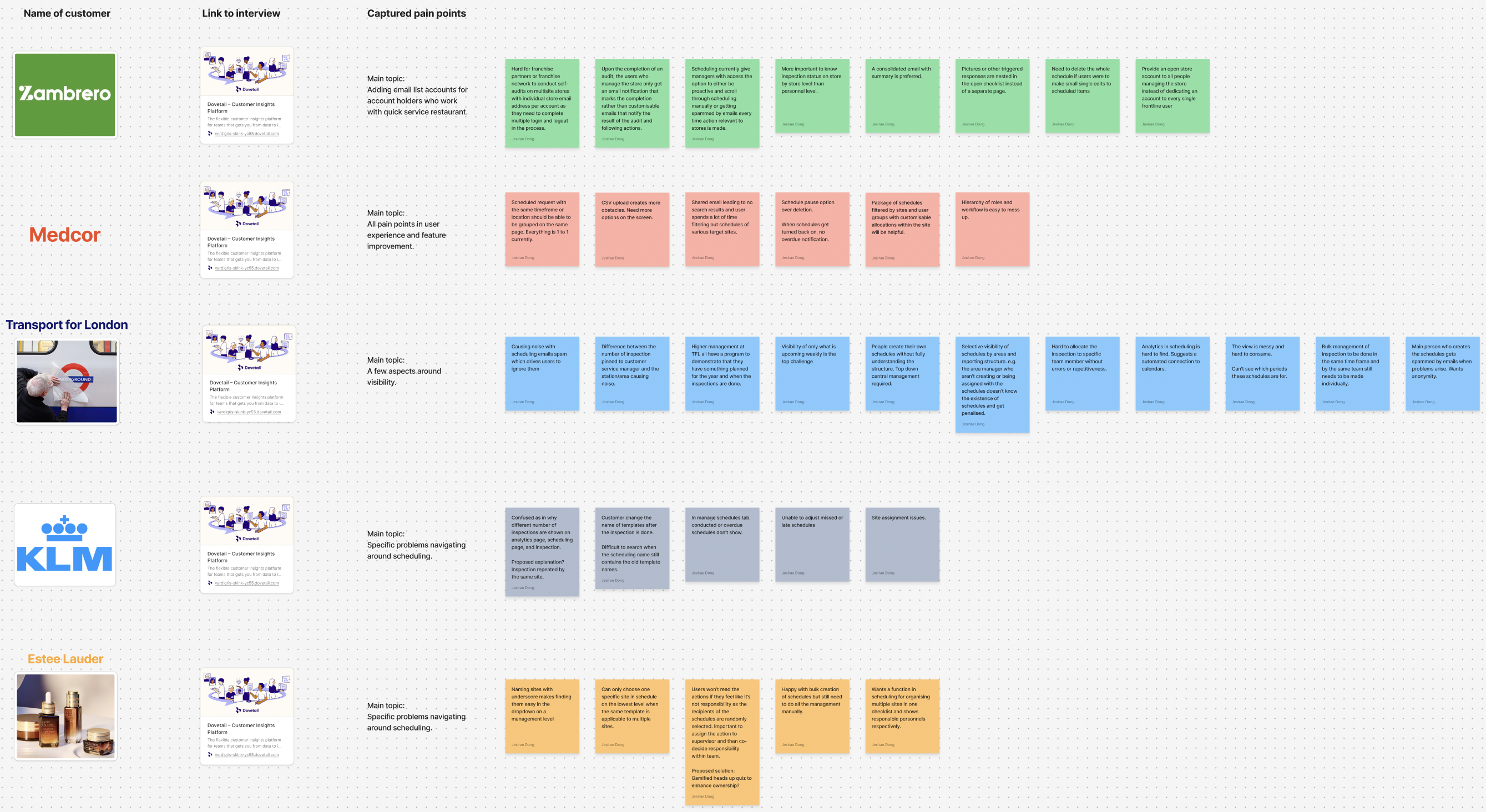
"If we get new contracts — for instance, a hundred sites — we go manually create a hundred schedules. It'd be good to have some ability to dump a CSV import in to bulk-create."
"Time zone accuracy is important — especially since scheduling is more popular with US customers who run business in multiple timezones. Require both assignee and site timezones."
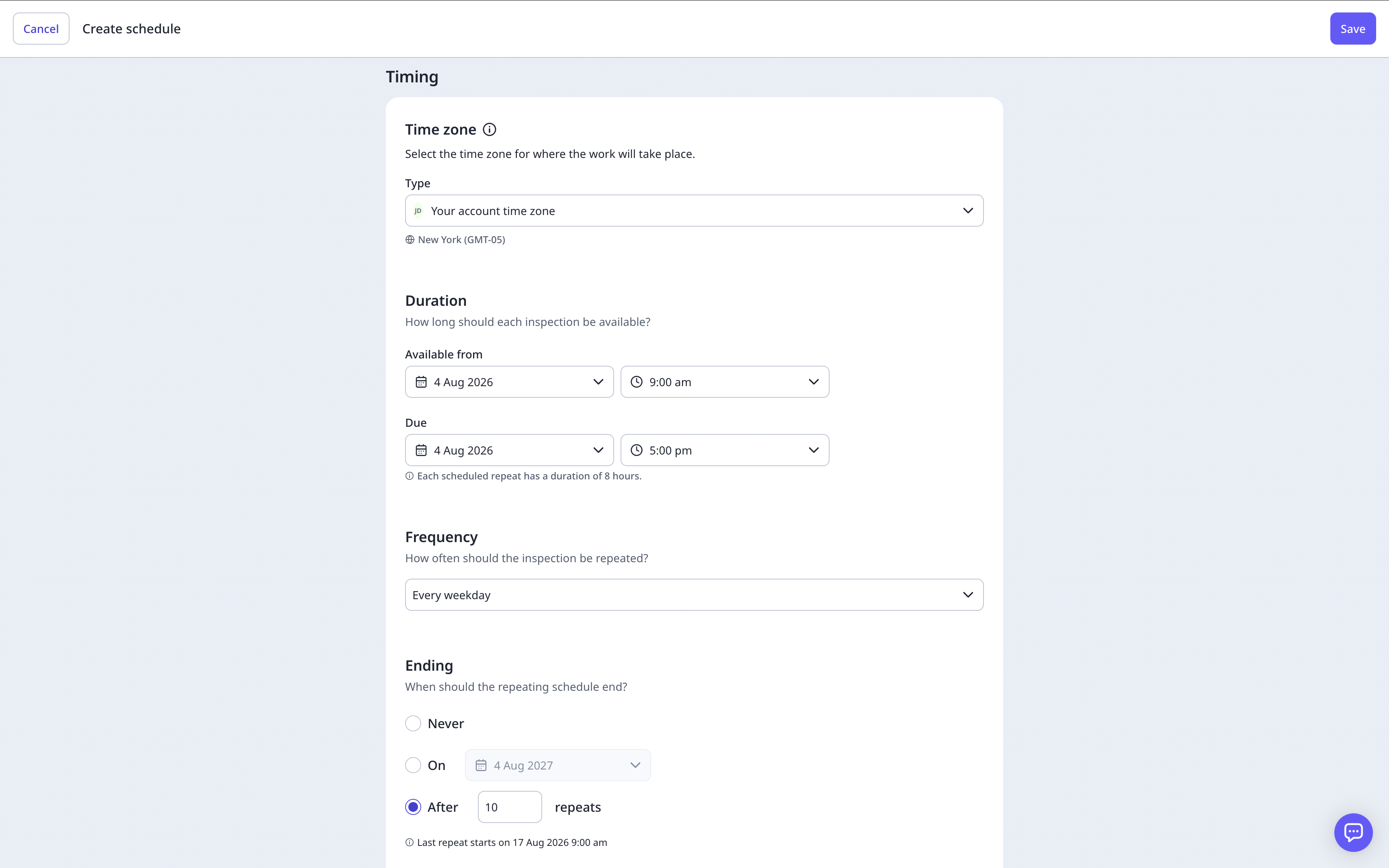
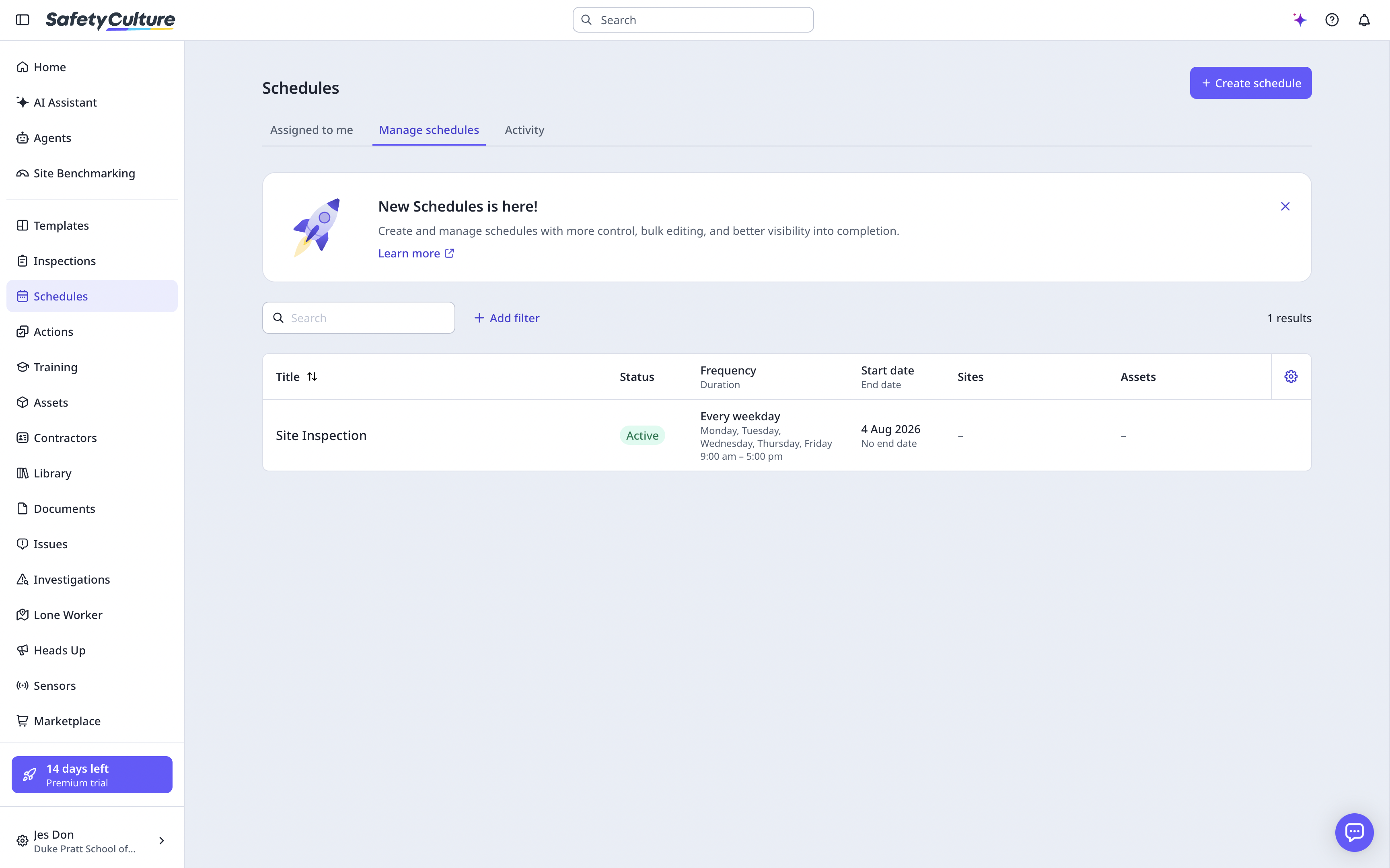
Customer calls kept hitting the same wall: multinational customers manage inspections across hundreds of sites, yet the scheduling workflow only lets an organisation assign two time zones. I wireframed three new timezone-assignment flows and preference-tested the two the team voted strongest.
time zones the current workflow allows a multinational organisation to assign.
of sites whose time zones managers must match by hand — tedious and prone to human error.
The board surfaced plenty of candidate problems: bulk editing and grouping, digest emails to replace notification spam, CSV bulk creation, template visibility, cleaner filtering for messy schedule views. I chose the timezone flow because it sat at the sharpest intersection of customer pain and what one intern could validate in the weeks left — and because most other insights depend on schedules being correct in local time first.
I wireframed three flows for recreating how a schedule gets its time zone, then iterated two of them in rounds with the Scheduling designers:
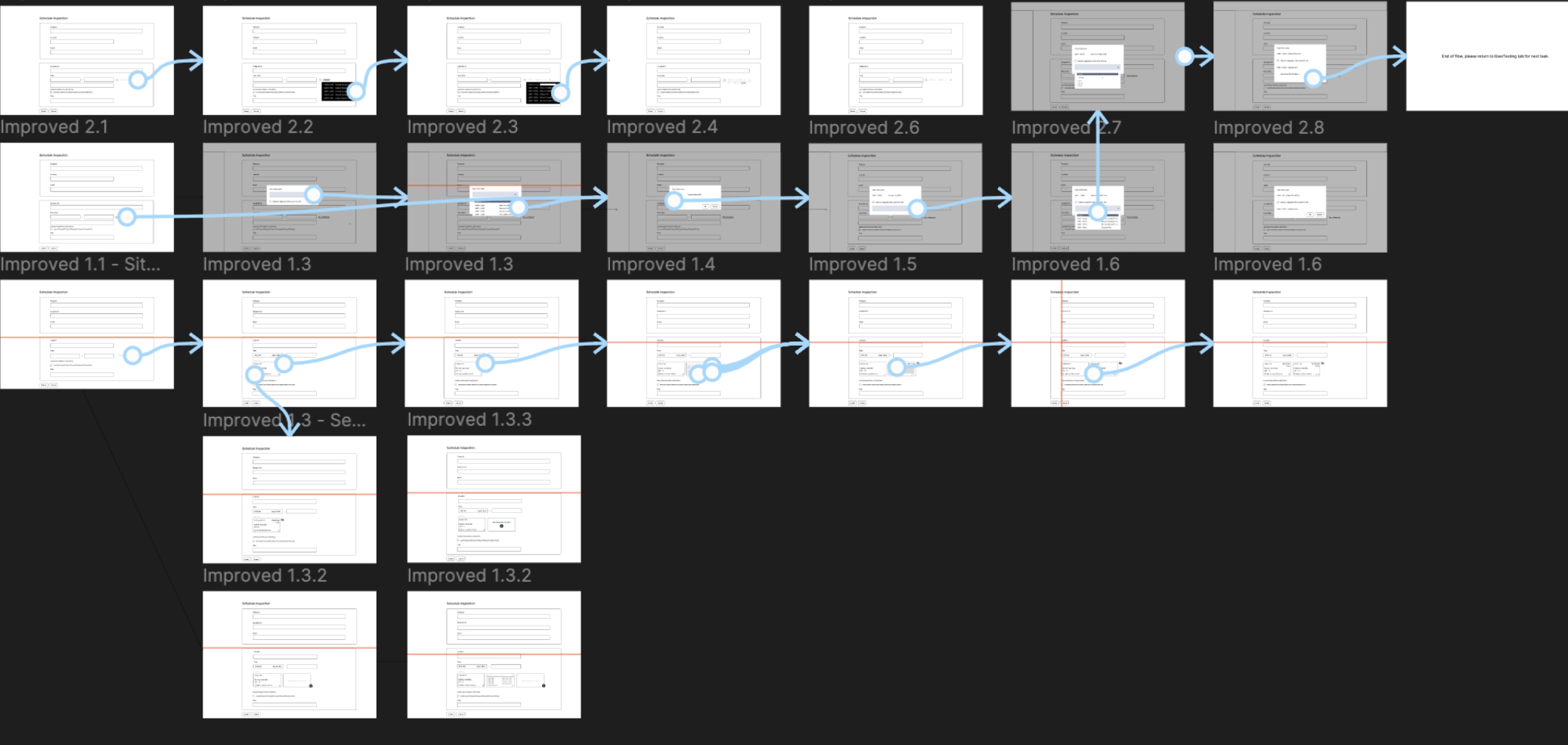
Internal team validation narrowed the three flows to the two strongest — and before any participant saw them, I logged a result hypothesis: which flow should win, and why. Only then did the two become clickable prototypes for an unmoderated preference test on UserTesting.com.
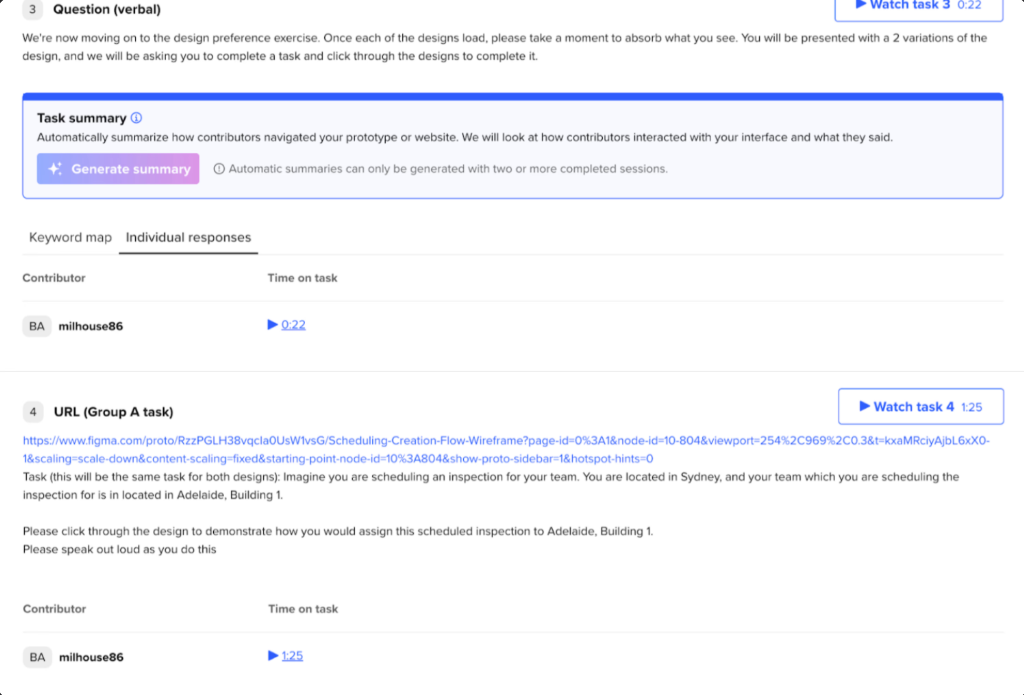
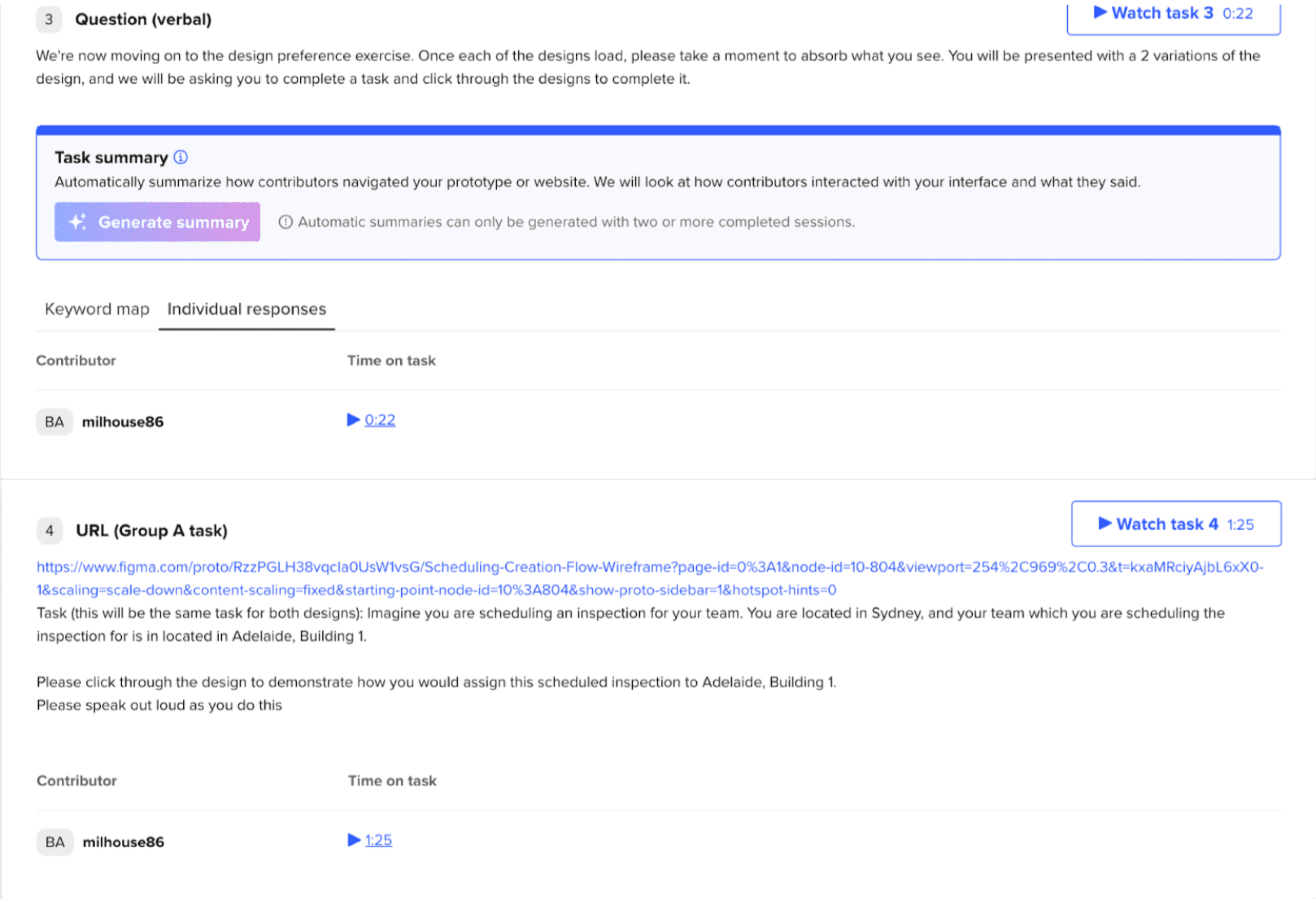
The plan: warm-up questions about how participants assign work across time zones, then the same scripted task on both prototypes — you're in Sydney, scheduling an inspection for your team in Adelaide, Building 1, thinking aloud as you go — a like/dislike probe after each flow, and a final forced preference once they'd seen both.
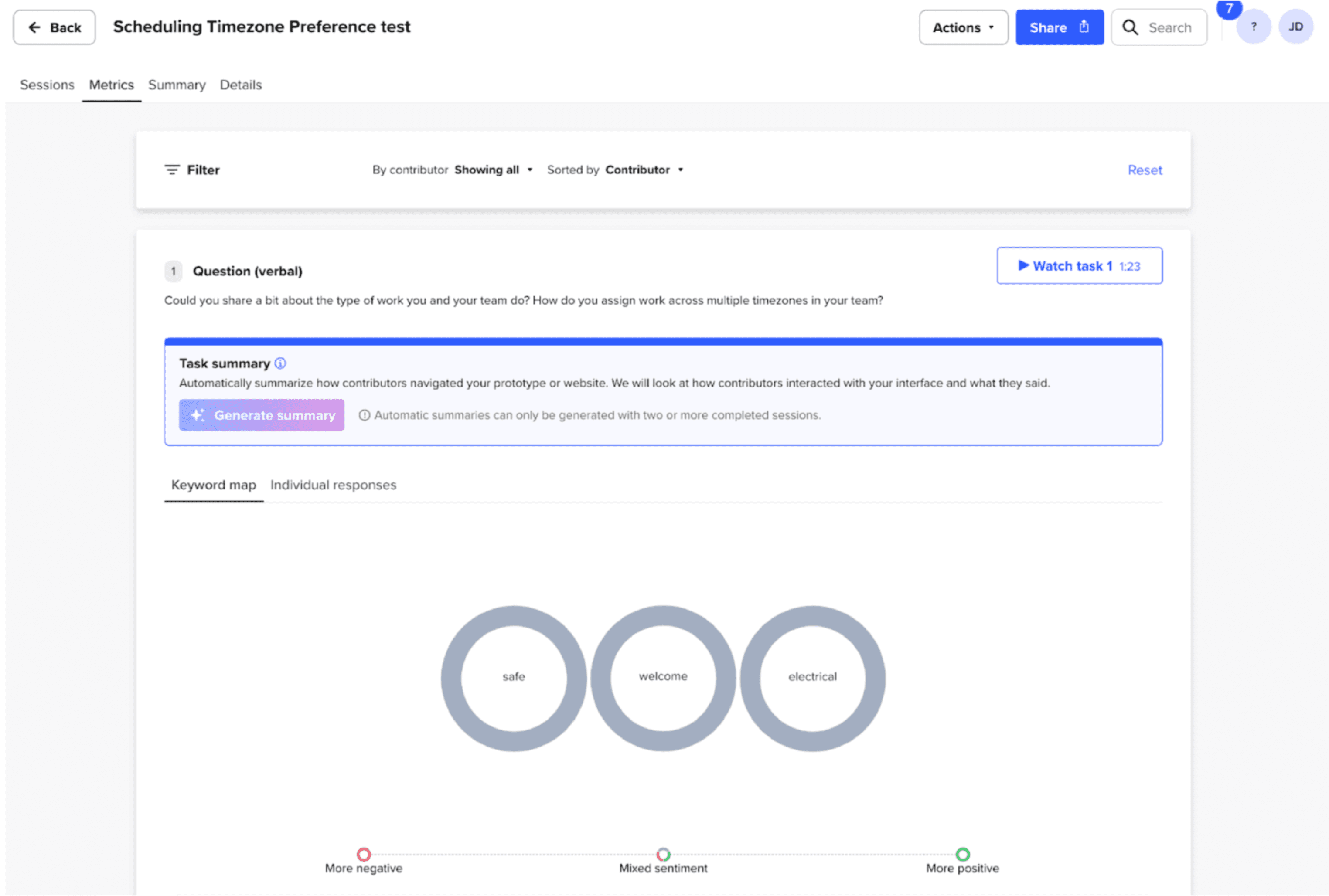
The test opens with warm-up questions: what work participants run, how they assign it across time zones, and whether inspections happen digitally or on paper. Questions 1 and 2 ground every later click in their real workflow.
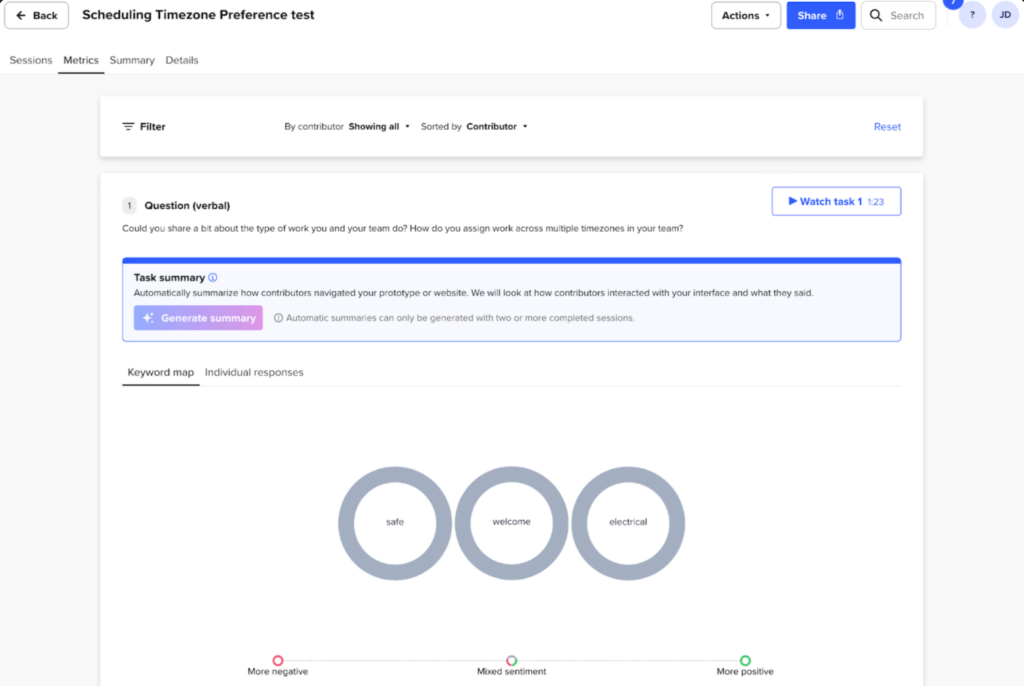
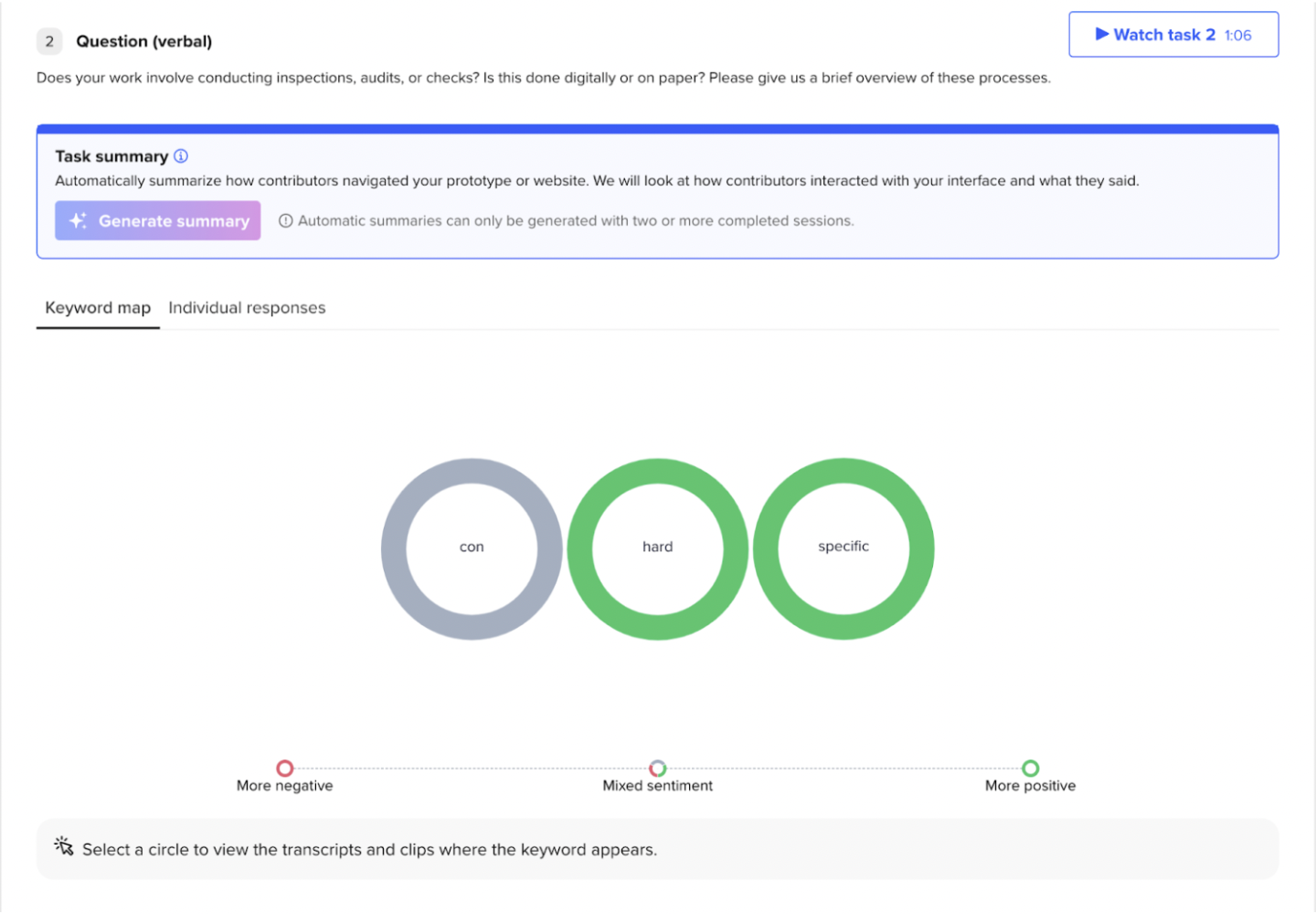
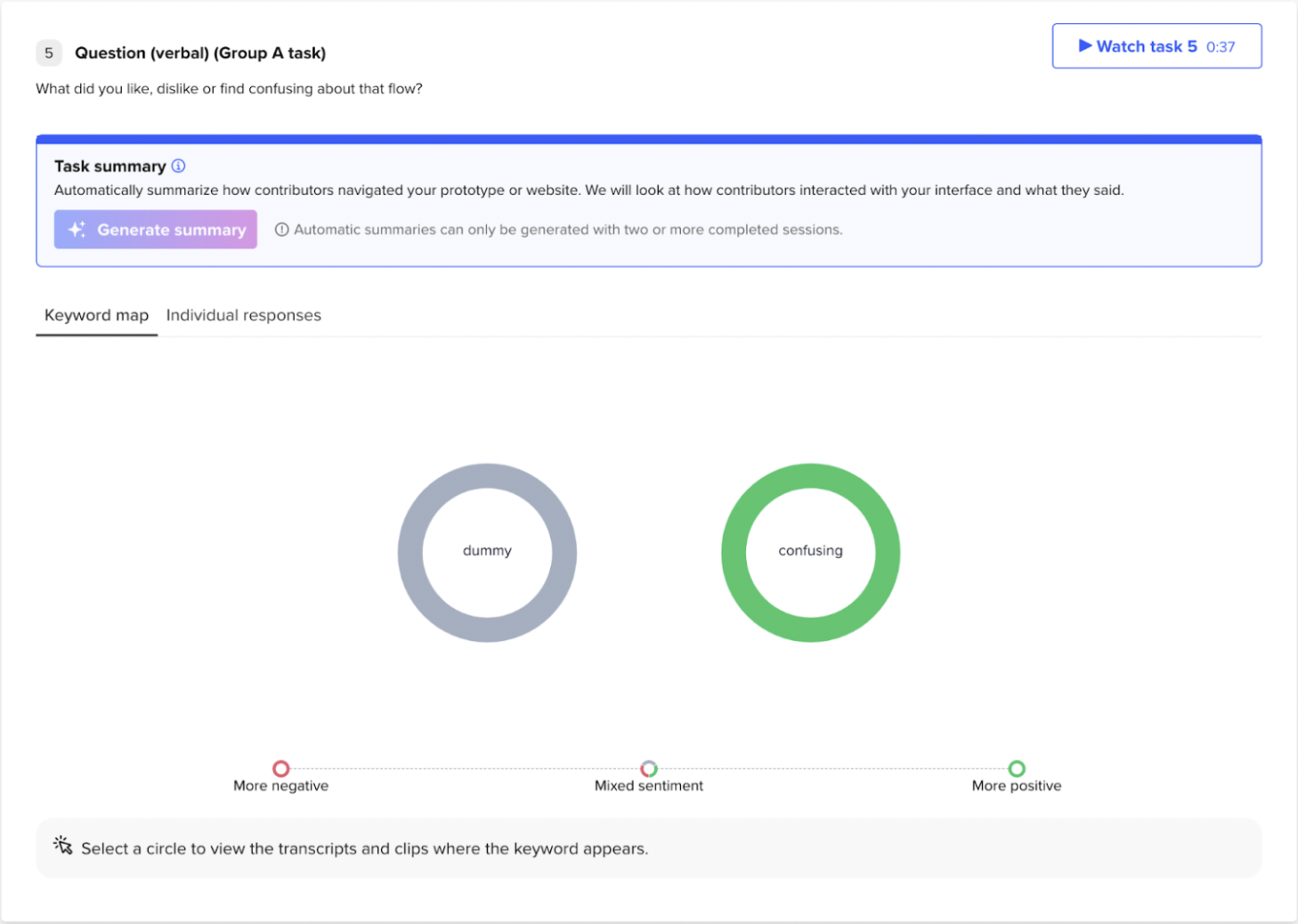
Then the same scripted task on each prototype — you're in Sydney, scheduling an inspection for your team in Adelaide, Building 1, thinking aloud as you go — followed by a like/dislike probe after each flow. Questions 3 and 5 are where "confusing" surfaced on one flow, and where "simple / good / easy" landed once participants had seen both.
The internship ended before those flows could be validated with real customers — my biggest "I wish I had more time." Jet-Lagged Planner is the continuation I built after leaving Sydney: the same enterprise scheduling problem, pushed past timezone assignment into prediction — bulk scheduling that learns from historical data, weather, and inspector availability. The design carries SC's lessons with it: parent–child grouping to make long site lists scannable, configurable lead-time alerts, and accessibility rules from the design system — 4.5:1 contrast, colour never the only signal. And because the logic is product-agnostic, the same engine could ship as an SDK or API — a timezone-resolution layer SafetyCulture, or any scheduling tool, could plug into its own creation flow.
The goal: design a web app that optimises bulk scheduling of inspections for large organisations operating across multiple time zones — reducing human error, improving efficiency, and predicting conflict resolution strategies from factors like weather conditions, historical data, operational hours, and personnel availability.
Built for a wide range of industries such as Manufacturing, Aviation, and Construction, Jet-Lagged Planner tackles bulk scheduling with timezone conversion, conflict prediction, and AI-aided rescheduling customised to your own historical data — to keep you away from a 3 AM site visit in a heatwave. With intuitive weather visualisations, CSV uploads, and ML-powered efficiency, less manual work leads to fewer mistakes.
The backend trains on data with entries like Site Name, Location, Time Zone, Inspection Type, Preferred Time Slot, Inspector Availability, and Weather Condition — so users can upload their own CSV of historical schedules and the model trains dynamically on it, demonstrated through a Streamlit web app.
A Random Forest Regression model predicts optimal scheduling times from K-Means clusters, weather condition, preferred time start, and inspector time start. Grouping inspections by type and weather surfaces patterns and categorises tasks efficiently — with real timezone mappings (e.g. America/New_York) and conversion between times.
Where the training data comes from: no public dataset pairs inspection schedules with weather and inspector availability, so the demo trains on a randomised seed dataset generated in the exact schema the upload flow expects — the point being the model retrains dynamically on whatever CSV a customer uploads. A few rows:
| Site Name | Time Zone | Inspection Type | Preferred Slot | Inspector Avail. | Weather |
|---|---|---|---|---|---|
| Site_12 | Australia/Sydney | Fire Safety | 06:00–09:00 | 05:00–12:00 | Clear |
| Site_04 | America/New_York | Equipment | 09:00–11:00 | 08:00–17:00 | Heatwave |
| Site_27 | Europe/Berlin | Compliance | 07:30–10:00 | 06:00–14:00 | Rain |
Rather than bolting ML onto a form, I worked backwards from the decisions a scheduling manager actually makes. Each screen below sits beside the reasoning — product and model — that shaped it.
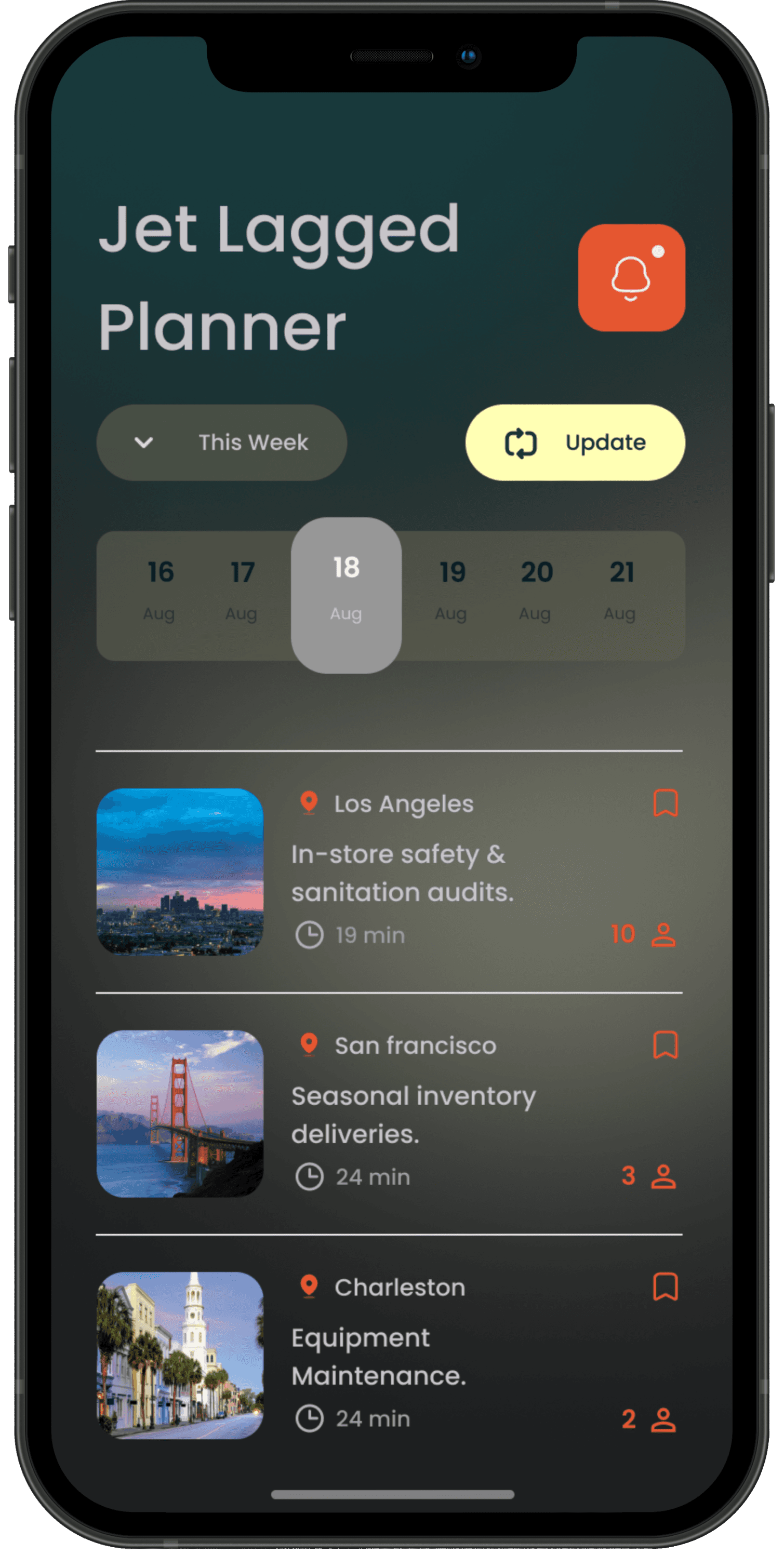
The current schedule reads as an easy list — assigned personnel, location, duration, and inspection key words — with interactive features to comment on and share schedule modifications within the organisation.
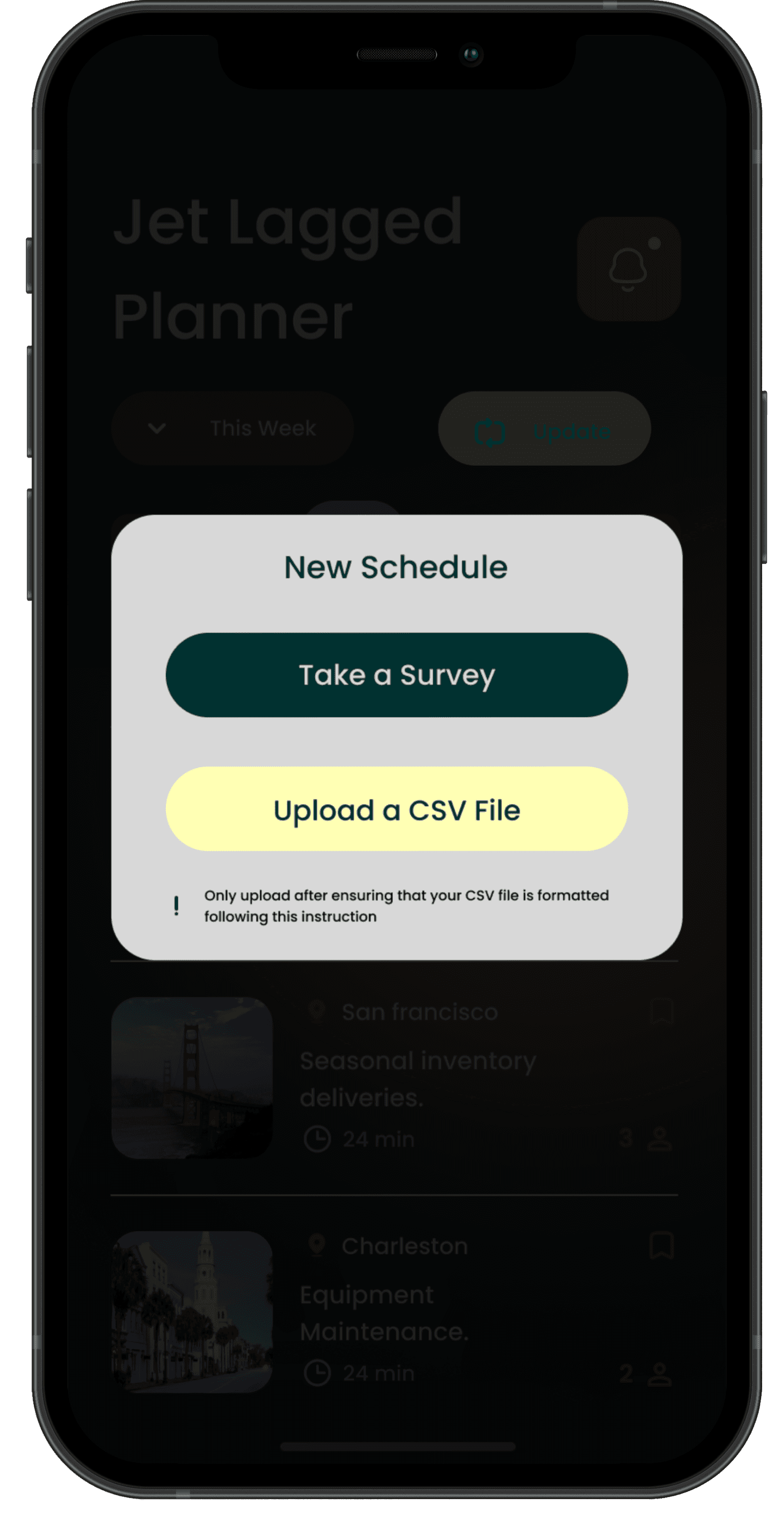
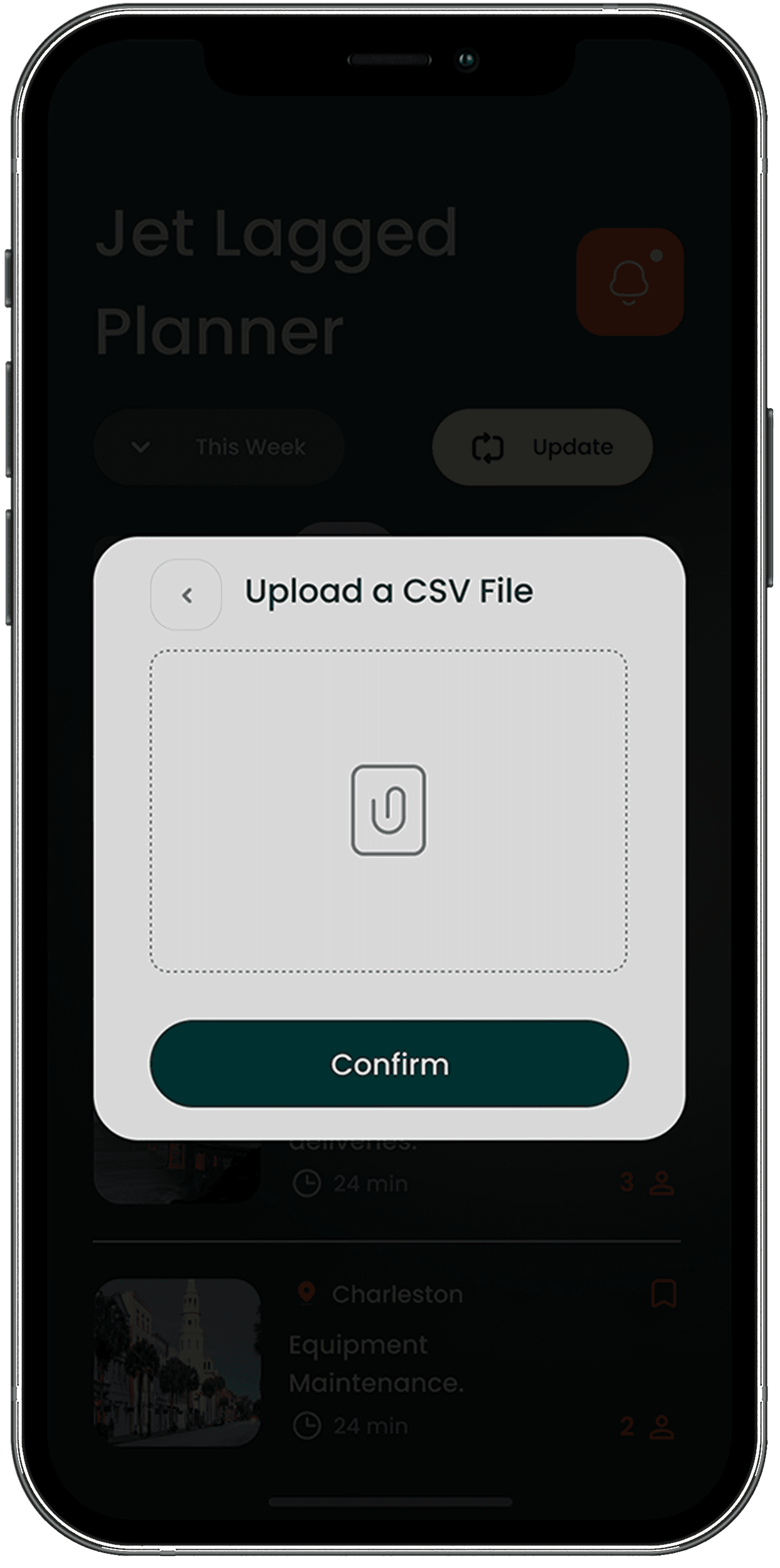
"Take a Survey" / "Upload a CSV File" gives a clear, friendly path to bulk data: users without app-formatted data enter historical schedules through a form that converts to CSV.
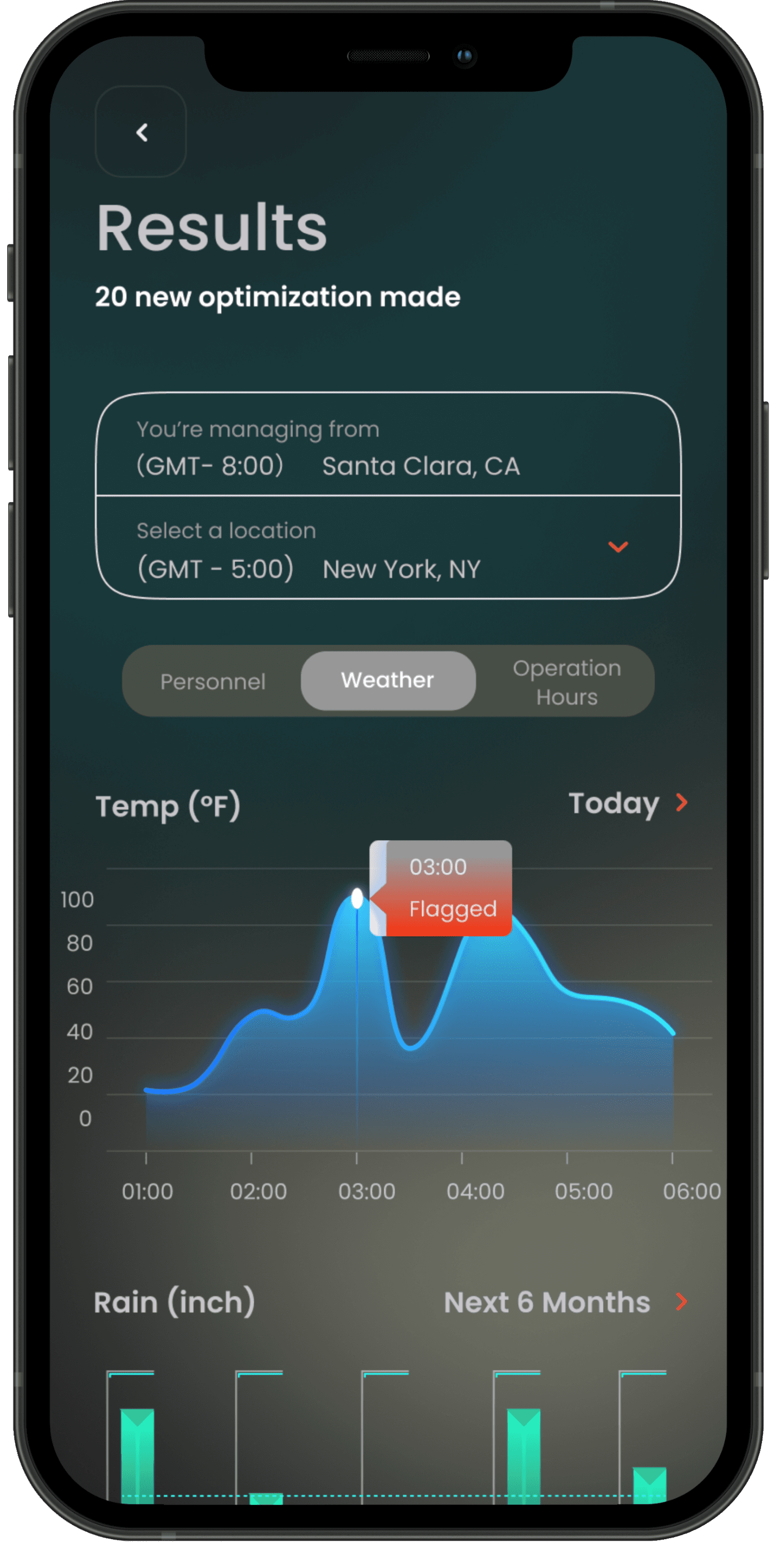
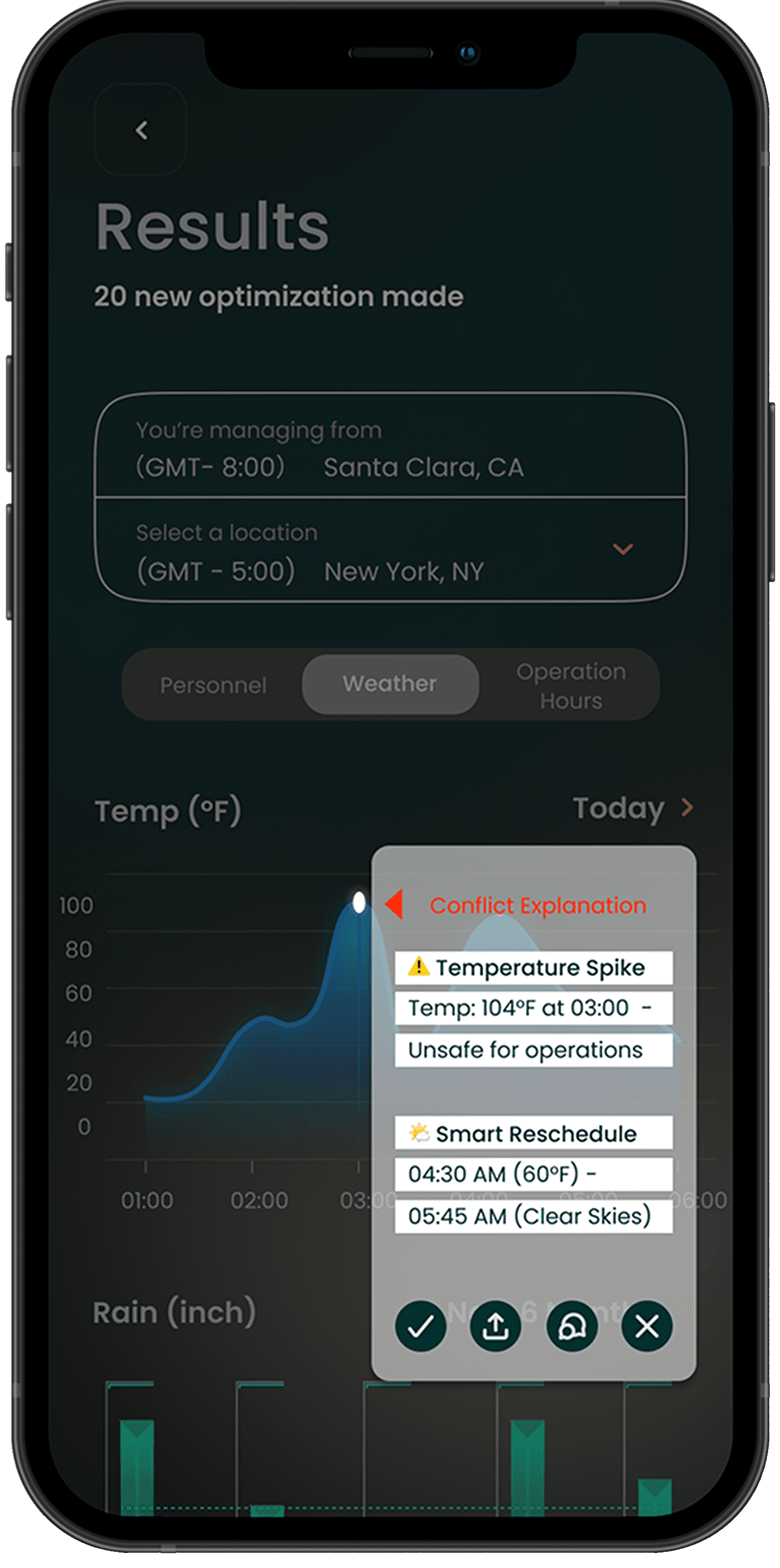
Visualisations cover weather conditions, personnel availability, and operation hours — the UI flags conflicts ("Temperature Spike: 104°F at 03:00") and offers smart rescheduling options ("04:30 AM, 60°F").
Smart rescheduling based on weather is a huge plus, especially in industries where extreme conditions impact work.
Will love to see more AI suggestions for scheduling conflicts beyond weather, such as worker fatigue or availability constraints.
SafetyCulture was my real exposure to product design at scale with a design team of 20 designers from all backgrounds to learn from, where every Monday all-hands felt like a TED talk crossed with an Apple release show. I learned UI craft, how enterprise users' flows get tracked and analyzed, and what it takes for a design system to actually be adopted.
And the project kept moving with me: taking a problem from a global company with US clients, from Australia to grad school in the US, and developing it further created immense momentum.
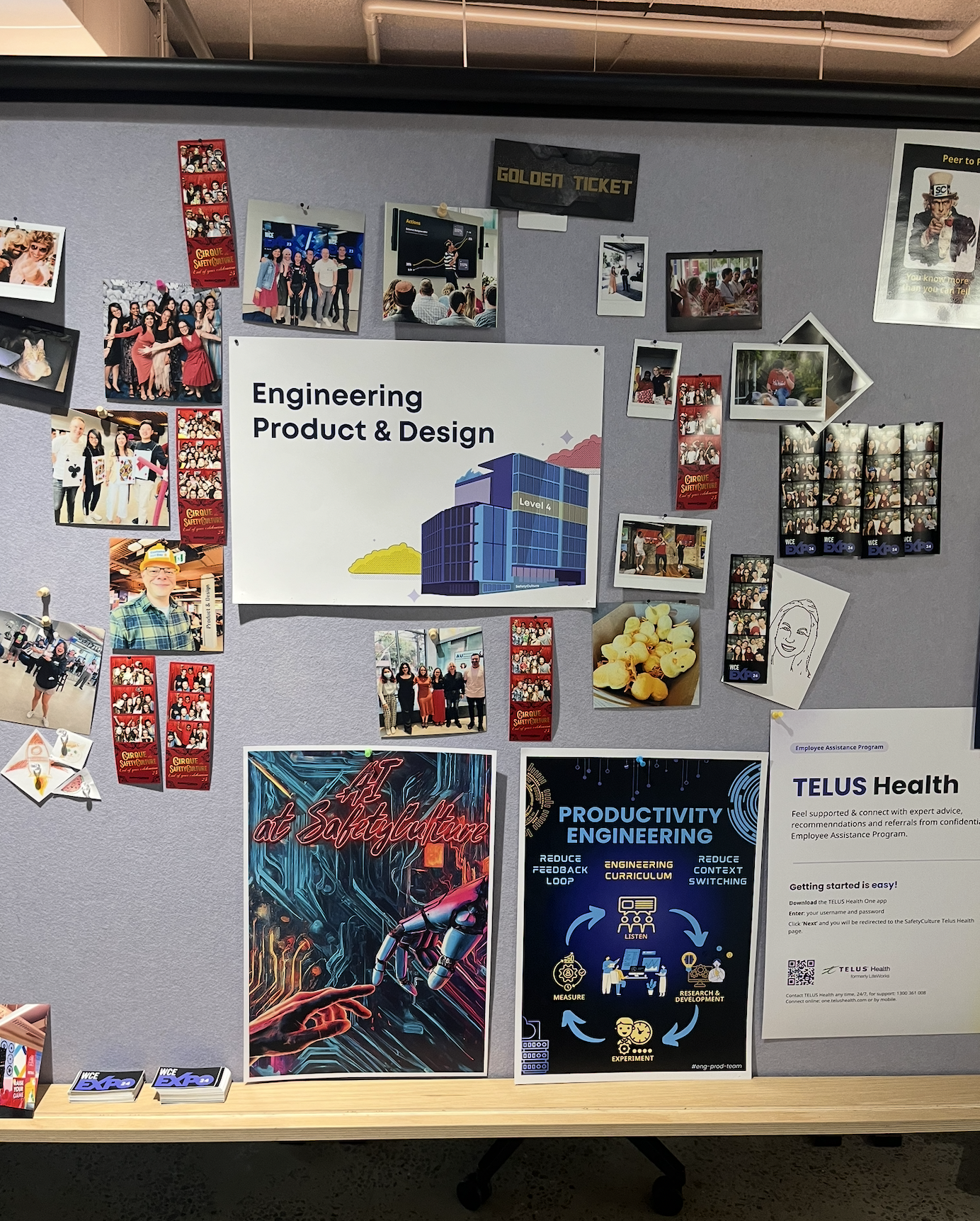
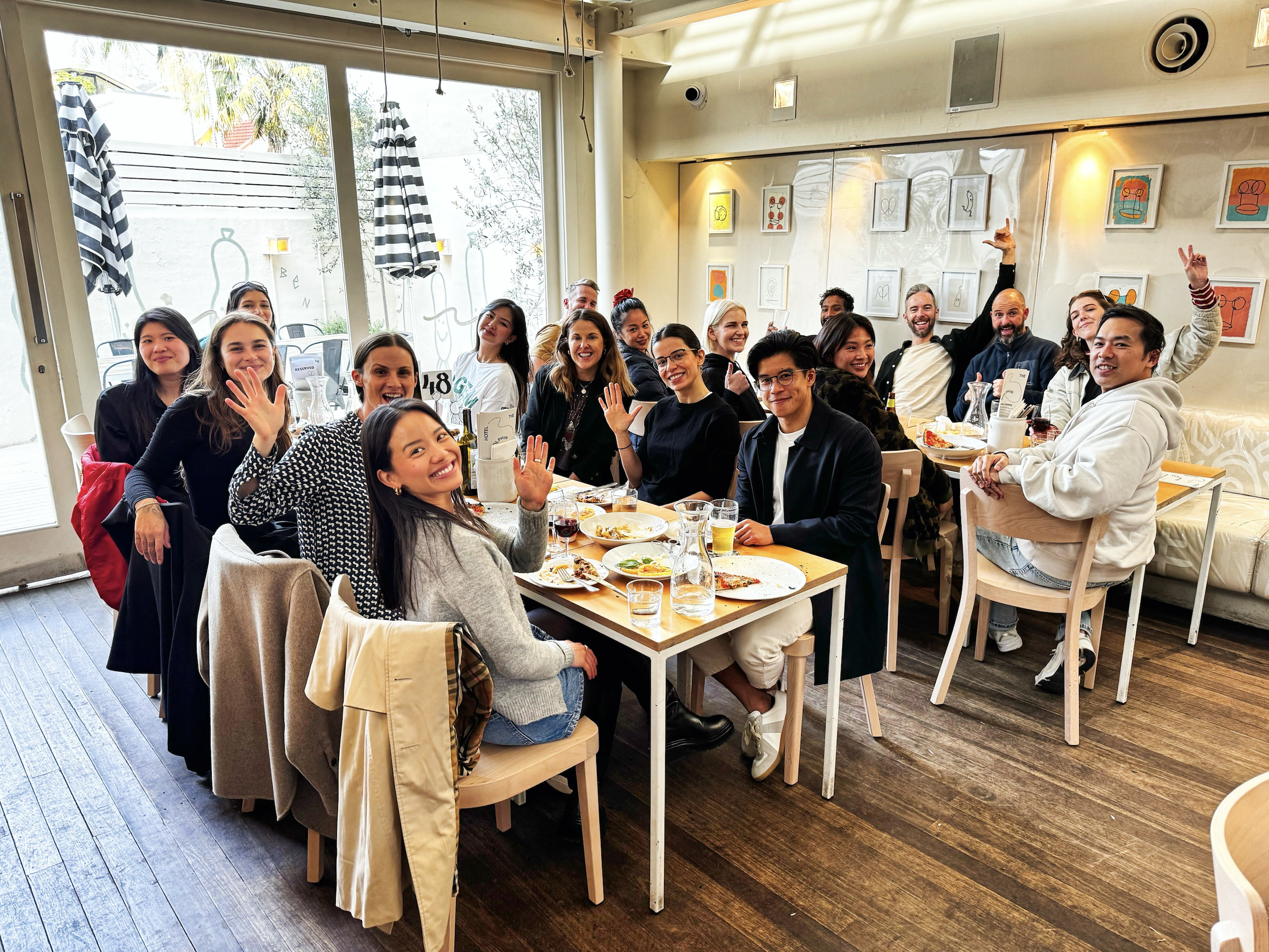
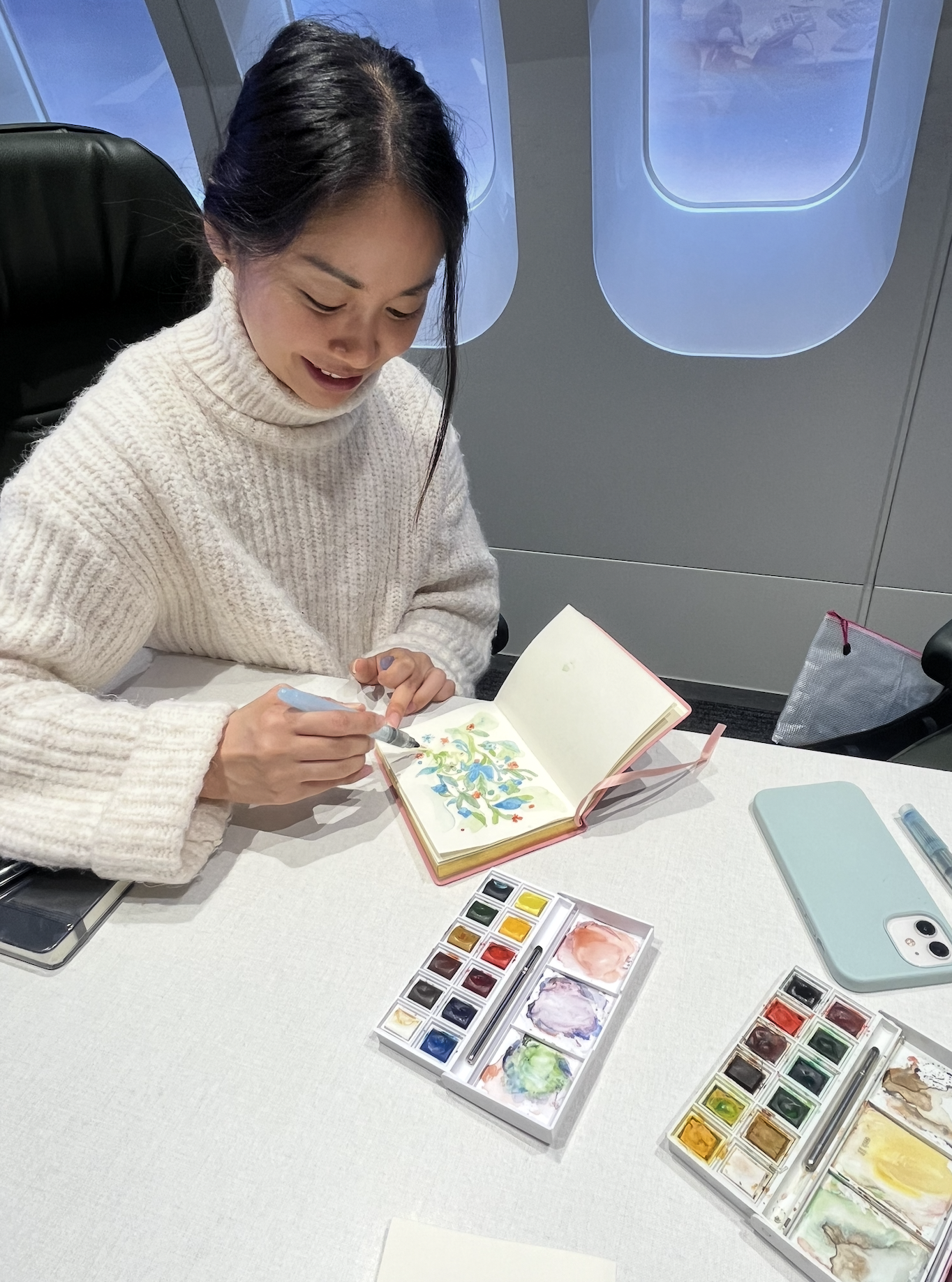
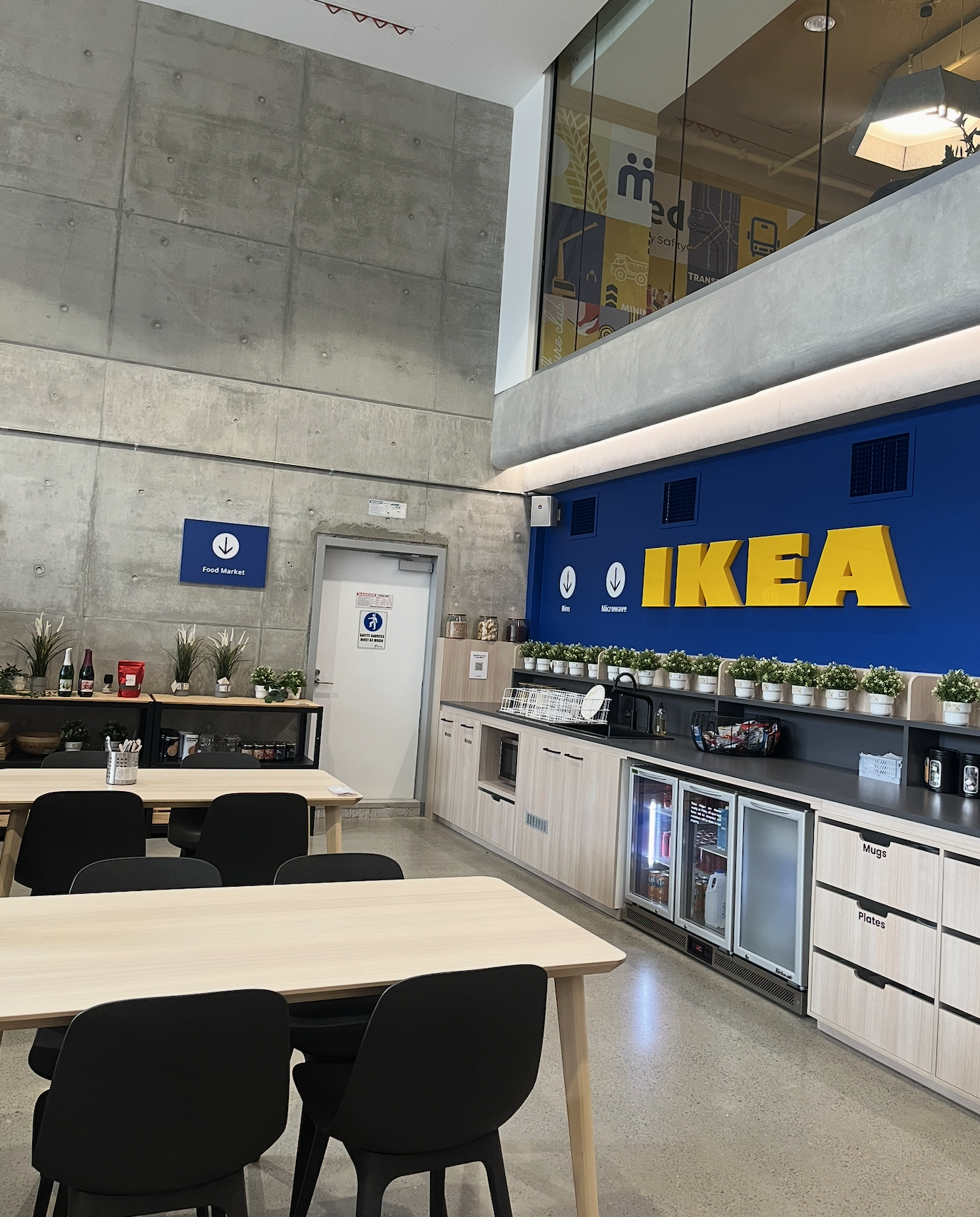
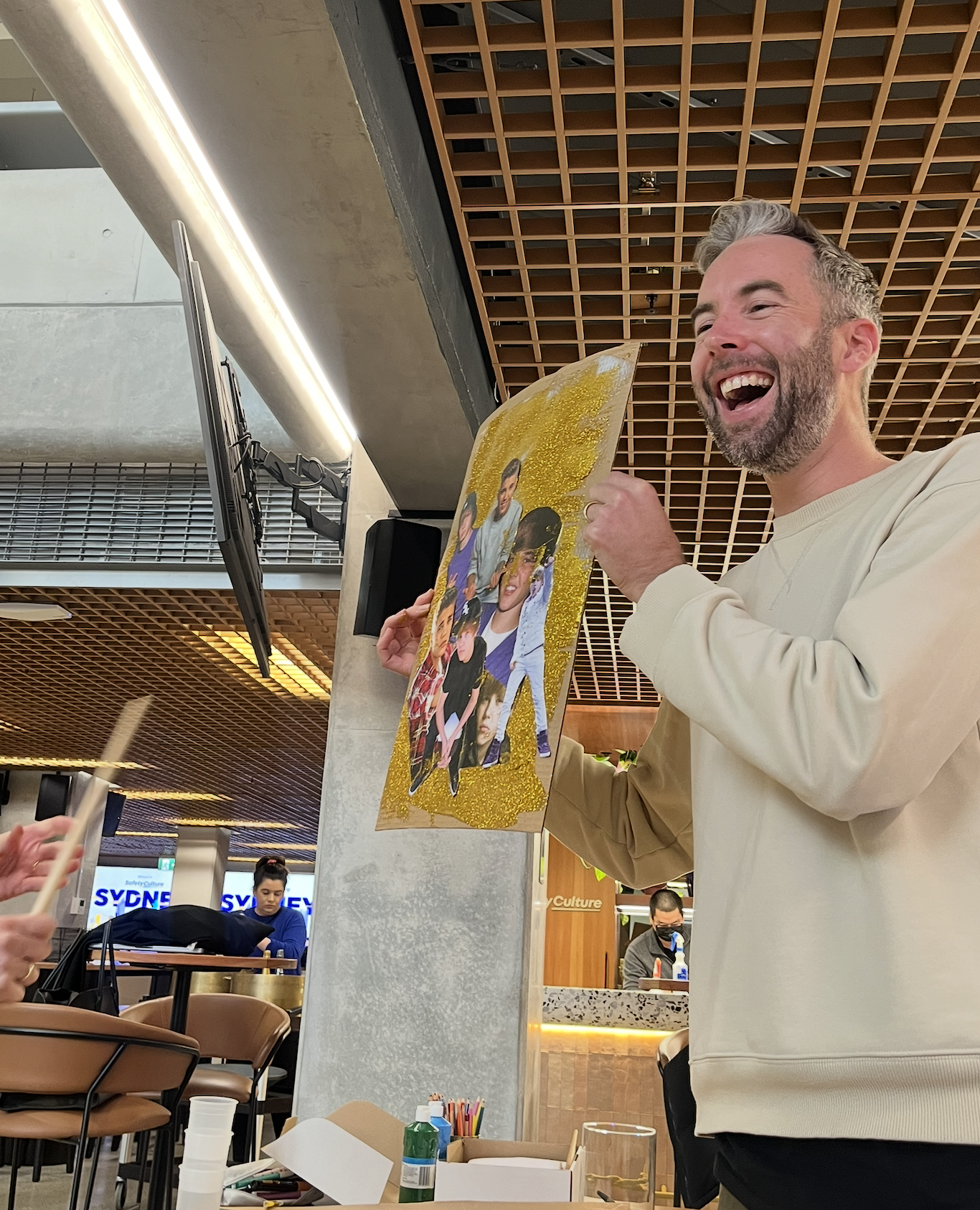
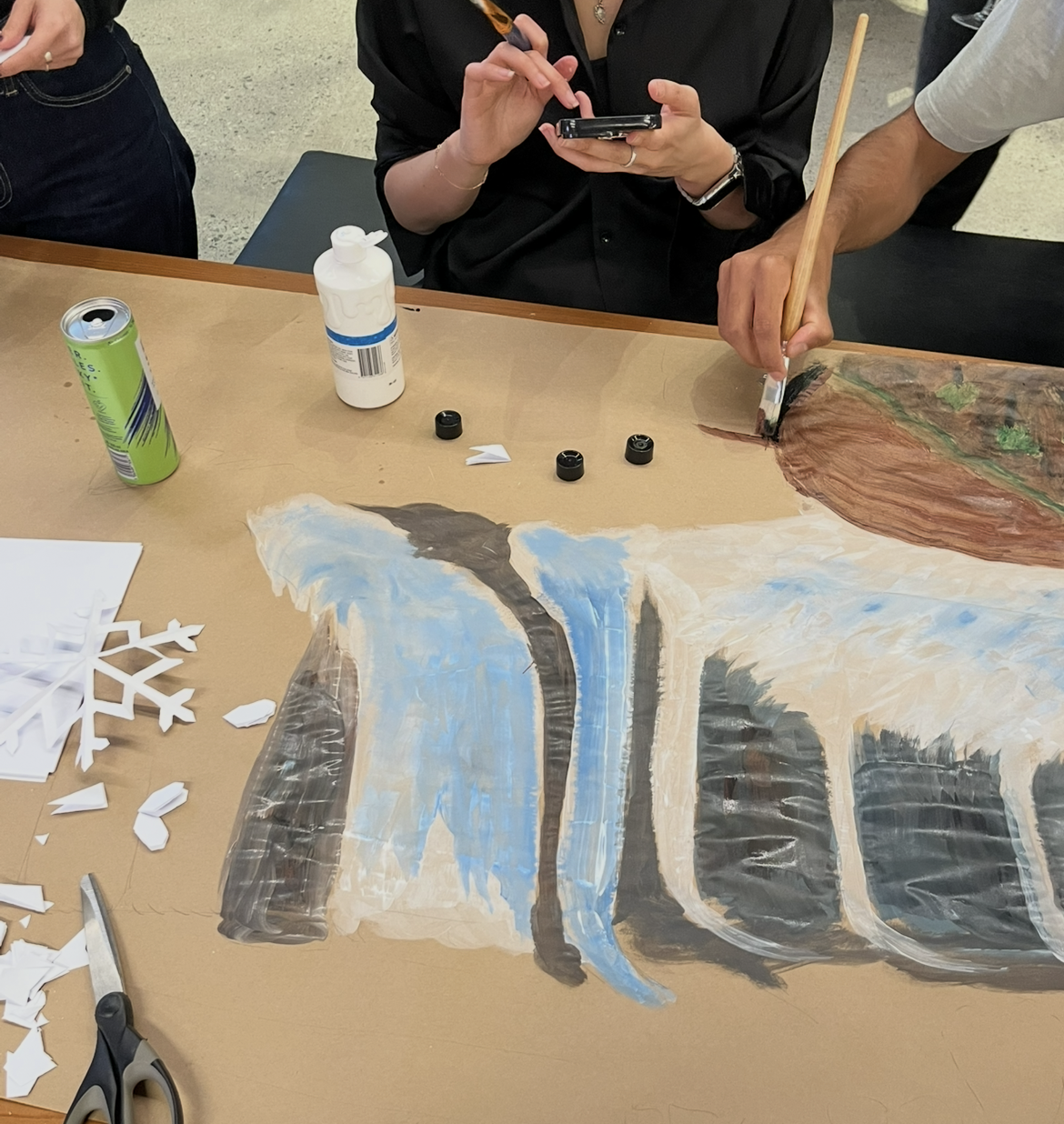
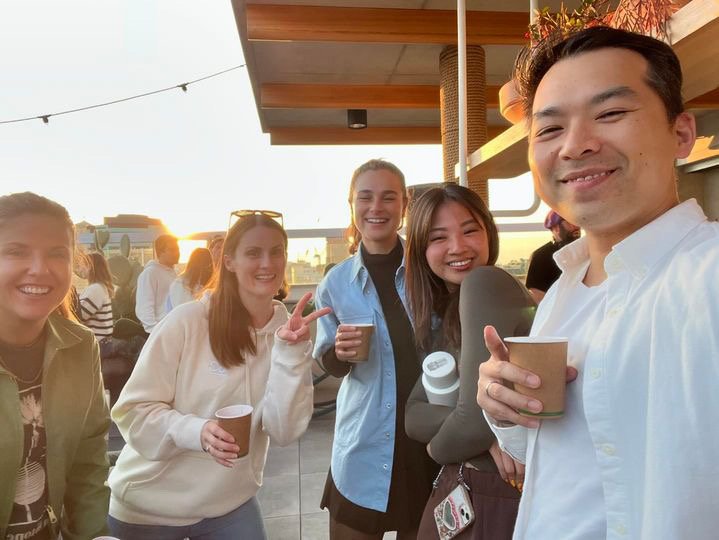
It was also just fun. Design standups with the team working so closely together, art and crafts trying to win Office Olympics during Paris 2024, a DJ set put on by one of the designers, and desserts randomly catered by Lucinda, the best chef in the world. It was truly amazing when so many creative people were in the same room.
Thanks for reading :)